Match the right appointment with the right person
When an appointment becomes available, ShowUpIQ identifies a qualified person from your waitlist, sends an automated SMS, and continues down the list until someone accepts the opening. Your team spends less time calling — your patients get faster access.
See the smart waitlist in action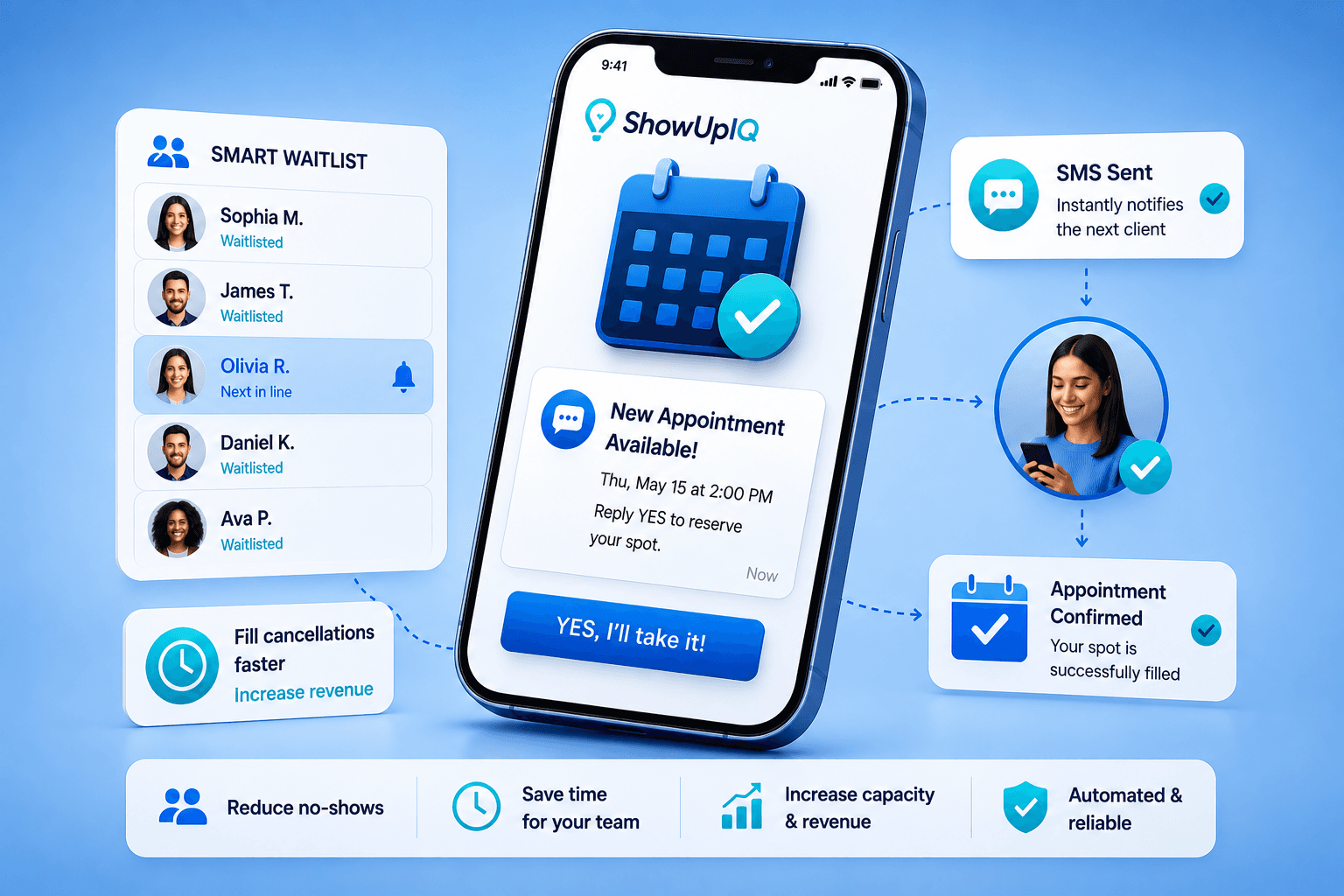
How the smart waitlist works
- An appointment becomes available. A patient or client cancels, reschedules, or changes an appointment. ShowUpIQ detects the opening through your connected scheduling workflow.
- ShowUpIQ finds the best match. The platform reviews eligible people based on your rules: appointment type, service, provider, location, preferred day and time, waitlist priority, and duration.
- Automated SMS outreach begins. The best-fit person receives a clear text: "A 2:30 PM appointment has become available tomorrow. Would you like it? Reply YES to accept."
- Outreach continues automatically. If someone doesn't respond within your selected time window, ShowUpIQ moves to the next qualified person.
- The appointment is filled. Once someone accepts, the booking workflow updates and the result appears in your dashboard.
Smart waitlist benefits
- Fill appointments faster
- Reduce manual calling
- Improve response times
- Serve people who want earlier appointments
- Reduce lost revenue
- Consistent workflows across locations
Ready to Stop Losing Revenue to No-Shows?
Turn empty appointments into recovered revenue with automated reminders, smart waitlist matching, and measurable results.